
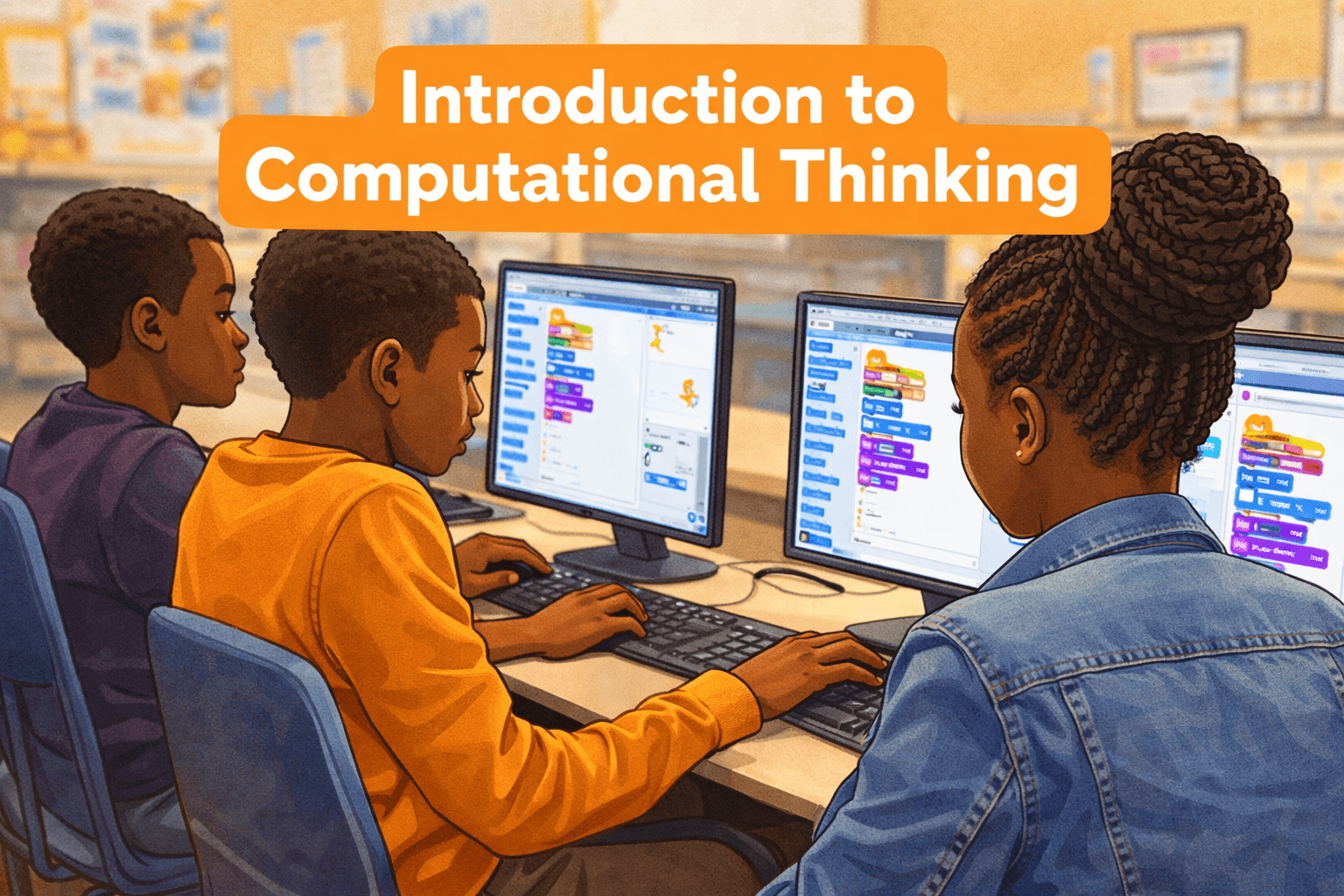
Course Prerequisite(s)
- Please note that this course has the following prerequisites which must be completed before it can be accessed
-
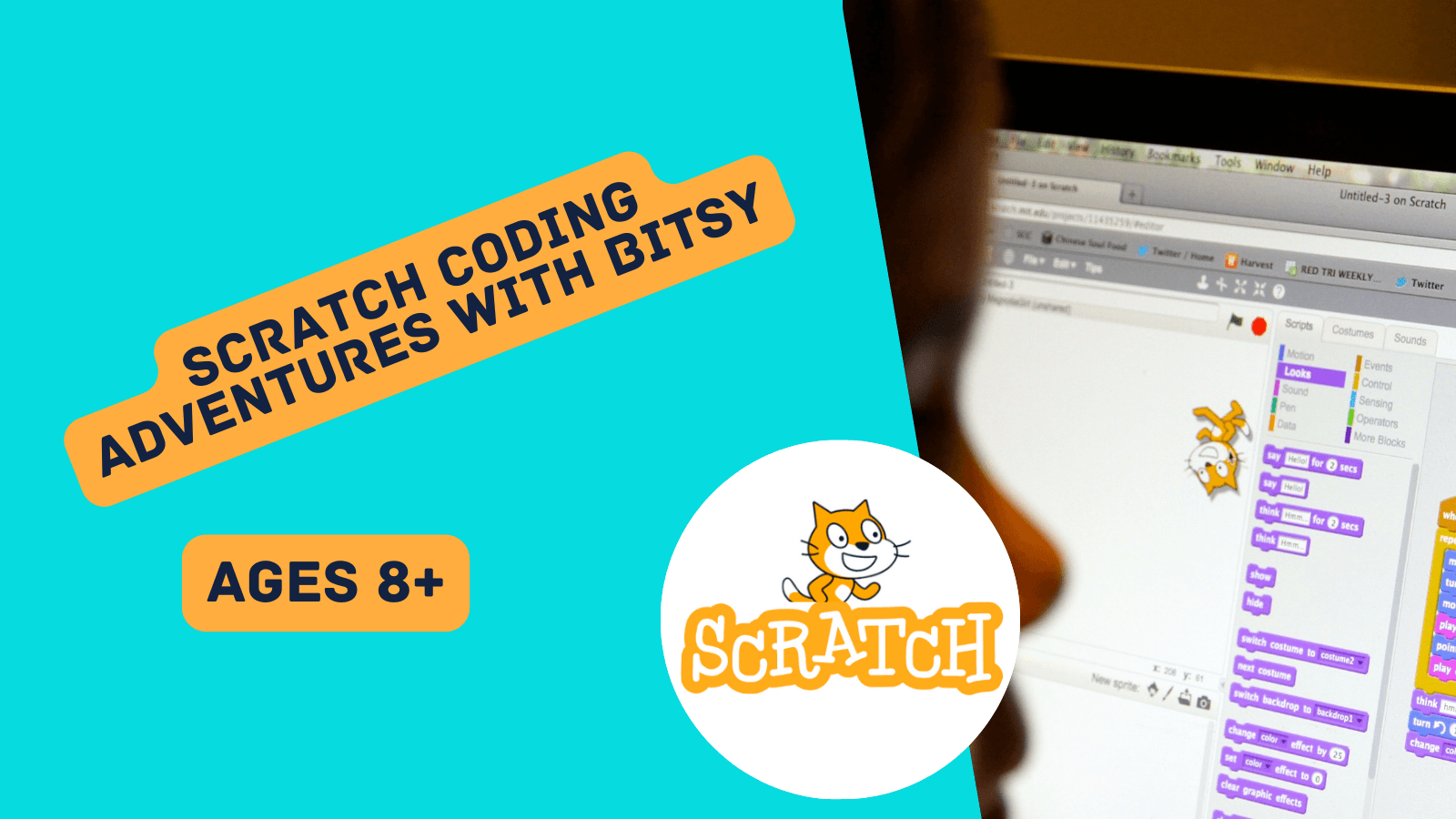 Scratch Foundations: Setting Up Your Coding World
About Course
What Your Child Will Learn
-
What coding is (giving instructions to a computer)
-
How to make characters move, talk, and play sounds
-
The importance of order (step-by-step instructions)
-
How to use loops (repeating actions automatically)
-
Key Scratch blocks: motion, looks, sound, and events (like “when key pressed”)
The 6 Projects
Your child will create exciting projects such as:
-
Space Talk – make characters chat in space
-
Catch the Bus – a fun chase game
-
Find the Bug – spot and fix mistakes
-
Silly Eyes – eyes that follow the mouse
-
Surprise! Animation – an animation with unexpected fun
-
I Made You a Book – create a digital flipbook
Why Parents Choose Tangnest
-
Structured pathway → not random courses, but a clear foundation
-
Practical results → every child finishes with 6 real projects
-
Fun & engaging → children stay motivated through play-based learning
-
Future-ready → coding becomes as natural as reading and math
⚡ Parent Message:
“With Tangnest, your child doesn’t just play on a computer—they create with it. This first level builds the foundation for problem-solving, creativity, and confidence that lasts a lifetime.”
What Will You Learn?
- ✅ Understand basic coding concepts using block-based programming
- ✅ Navigate the Scratch interface like a pro
- ✅ Create and customize sprites, costumes, and backdrops
- ✅ Use events to make characters move, talk, and respond to input
- ✅ Build mini-games and interactive stories
- ✅ Use loops, movement, and sound blocks
- ✅ Think like a coder — breaking problems into step-by-step solutions
- ✅ Share their projects confidently on the Scratch platform
Course Content
Computational Thinking Check
Let’s see how you think!
-
Let’s see how you think!
Meet Scratch: Code, Sprites & Fun!
-
What is Coding?
03:18 -
What Is Scratch? (Why It’s Fun and Easy)
03:56 -
Sprites and Scripts – Introduction to Characters and Basic Blocks
05:27 -
Quiz: Intro to Scratch & Coding
What Is an Event in Scratch?
-
Understanding Events in Scratch (When Something Happens)
04:03 -
Let’s Build with Events – Create a Small Interactive Example
04:38 -
Scratch Events Quiz
Space Talk
-
How to Open Space Talk project in Raspberry Pi
05:31 -
What you will make
02:07 -
Course Outcome : What success looks like
-
Lesson 2 Create your scene : Goal and Learning Targets
-
Lesson 2 Create your scene : Tutorial
03:40 -
Check Your Understanding
-
Lesson 3 Pico says hello : Goal and Learning Targets
-
Lesson 3 Pico says hello : Tutorial
03:58 -
Check Your Understanding
-
Lesson 4 Pico plays a sound : Goal and Learning Targets
-
Lesson 4 Pico plays a sound : Tutorial
03:08 -
Check Your Understanding
-
Lesson 5 Nano switches costume : Goal and Learning Targets
-
Lesson 5 Nano switches costume : Tutorial
02:23 -
Check Your Understanding
-
Lesson 6 Nano signs “Thanks!” : Goal and Learning Targets
-
Lesson 6 Nano signs “Thanks!” : Tutorial
02:48 -
Check Your Understanding
-
Lesson 7 Giga changes colour : Goal and Learning Targets
-
Lesson 6 Giga changes colour : Tutorial
02:43 -
Check Your Understanding
-
Space Talk: End-of-Unit Assessment
-
Student Self-Report
-
Student Self-Report Submission
Catch The Bus
-
How to Open Catch the bus project in Raspberry Pi
05:31 -
What you will make
02:37 -
Course Outcome : What success looks like
-
Lesson 2 Create Your Bus Scene : Goal and Learning targets
-
Lesson 2 Create Your Bus Scene :Tutorial
04:16 -
Check Your Understanding
-
Lesson 3 Cat catches the bus : Goal and Learning Targets
-
Lesson 3 Cat catches the bus : Tutorial
04:12 -
Check Your Understanding
-
Lesson 4 The hippo flies to the bus : Goal and Learning Targets
-
Lesson 4 The hippo flies to the bus : Tutorial
02:30 -
Check Your Understanding
-
Lesson 5 The bus leaves : Goal and Learning Targets
-
Lesson 5 The bus leaves : Tutorial
03:05 -
Check Your Understanding
-
Lesson 6 Missing the bus : Goal and Learning Targets
-
Lesson 6 Missing the bus : Tutorial
02:55 -
Check Your Understanding
-
Lesson 7 Change the destination : Goal and Learning Targets
-
Lesson 7 Change the destination : Tutorial
02:32 -
Check Your Understanding
-
Catch The Bus: End-of-Unit Assessment
-
Student Self-Report
-
Student Self-Report Submission
Find the bug
-
How to Open Find The Bug project in Raspberry Pi
-
What you will make
02:45 -
Course Outcome: what success looks like
-
Lesson 2 Start screen : Goal and Learning Targets
-
Lesson 2 Start screen : Tutorial
03:59 -
Check Your Understanding
-
Lesson 3 First level : Goal and Learning Targets
-
Lesson 3 First level : Tutorial
04:48 -
Check Your Understanding
-
Lesson 4 Parrot distraction : Goal and Learning Targets
-
Lesson 4 Parrot distraction : Tutorial
02:36 -
Check Your Understanding
-
Lesson 5 Second level : Goal and Learning Targets
-
Lesson 5 Second level : Tutorial
03:02 -
Check Your Understanding
-
Lesson 6 End screen : Goal and Learning Targets
-
Lesson 6 End screen : Tutorial
04:05 -
Check Your Understanding
-
Find The Bug: End-of-Unit Assessment
-
Student Self-Report
-
Student Self-Report Submission
Silly Eyes
-
How to Open Silly Eyes project in Raspberry Pi
-
What you will make
03:16 -
Course Outcome : What success looks like
-
Lesson 2 Your character : Goal and Learning Targets
-
Lesson 2 Your character : Tutorial
05:12 -
Check Your Understanding
-
Lesson 3 Make silly eyes : Goal and Learning Targets
-
Lesson 3 Make silly eyes : Tutorial
09:51 -
Check Your Understanding
-
Lesson 4 Sprite effects : Goal and Learning Targets
-
Lesson 4 Sprite effects : Tutorial
09:42 -
Check Your Understanding
-
Silly Eyes: End-of-Unit Assessment
-
Student Self-Report
-
Student Self-Report Submission
Surprise! animation
-
How to Open Surprise! animation project in Raspberry Pi
-
What you will make
02:37 -
Course Outcome : What success looks like
-
Lesson 2 Create your scene : Goal and Learning Targets
-
Lesson 2 Create your scene : Tutorial
05:49 -
Check Your Understanding
-
Lesson 3 Show curiosity : Goal and Learning Targets
-
Lesson 3 Show curiosity : Tutorial
07:28 -
Check Your Understanding
-
Lesson 4 Add a surprise! : Goal and Learning Targets
-
Lesson 4 Add a surprise! : Tutorial
05:15 -
Check Your Understanding
-
Surprise Animation: End-of-Unit Assessment
-
Student Self-Report
-
Student Self-Report Submission
I made you a book
-
How to Open I made you a book project in Raspberry Pi
-
What you will make
-
Course Outcome : What success looks like
-
Lesson 2 Your idea : Goal and Learning Targets
-
Lesson 2 Your idea : Tutorial
-
Check Your Understanding
-
Lesson 3 Plan your book : Goal and Learning Targets
-
Lesson 3 Plan your book : Tutorial
-
Check Your Understanding
-
Lesson 4 Build and Test : Goal and Learning Targets
-
Lesson 4 Build and Test : Tutorial
-
Check Your Understanding
-
Lesson 5 Checklist : Goal and Learning Targets
-
Lesson 5 Checklist : Tutorial
-
Check Your Understanding
-
Lesson 6 Share and play : Goal and Learning Targets
-
Lesson 6 Share and play : Tutorial
-
Check Your Understanding
-
I made you a book : End-of-Unit Assessment
-
Student Self-Report
-
Student Self-Report Submission
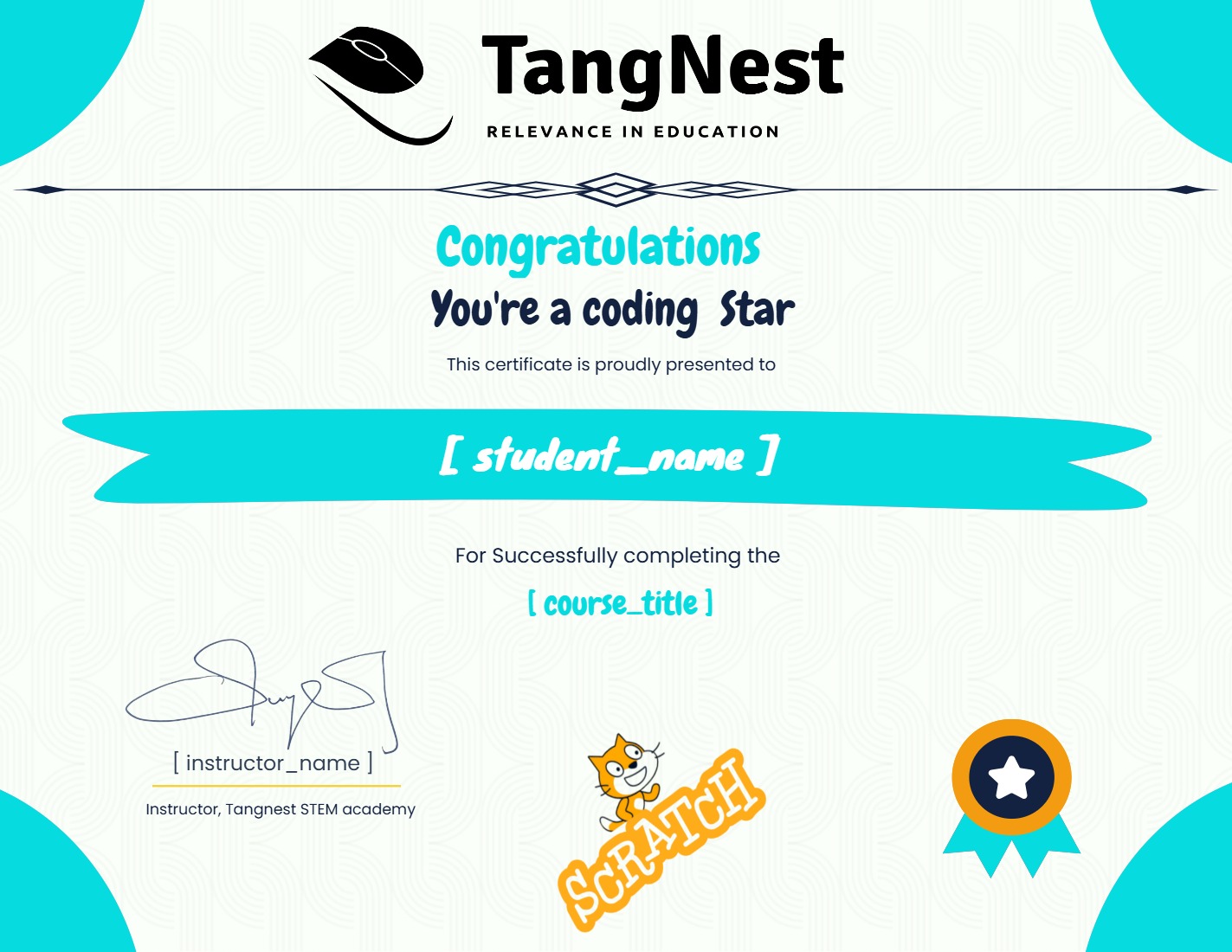
Earn a certificate
Add this certificate to your resume to demonstrate your skills & increase your chances of getting noticed.
Student Ratings & Reviews